Every law firm website needs a disclaimer. Without one, you risk creating implied attorney-client relationships with people who contacted you through your site, exposing yourself to bar complaints for misleading advertising, and leaving prospective clients confused about what your site does and doesn't guarantee. The problem is that most lawyers either skip it entirely, copy something generic off another firm's site, or pay someone to write one that may not reflect their state's actual bar rules.
This tool generates a disclaimer tailored to your state, practice area, and firm. Fill in what you know, leave blank what you don't, and copy or download the result in whatever format you need. If you want to understand the rules behind what gets generated, the Legal Compliance section covers the ABA guidelines and state-specific requirements in more detail.
Where to Put Your Disclaimer
Most states don't mandate a specific URL or page name, but the most defensible approach is a dedicated /disclaimer or /legal page with a link in your site footer, which appears on every page. If your state requires the disclaimer to appear on the same page as the content it modifies (South Carolina, Louisiana, and Alabama post-2026 all have versions of this requirement), then a footer link alone isn't sufficient for things like past-results sections or testimonials. Those need inline disclaimers adjacent to that content.
For the "Attorney Advertising" label required in New York, it belongs on the homepage itself, visibly, not just on a linked disclaimer page. Iowa's required statement must appear on the homepage in at least 9-point type. Missouri's required statement must appear conspicuously on all advertising. When in doubt, more placement is safer than less.
The embed snippet generated above is designed for exactly this: drop it into your site's footer template and the floating button appears on every page, giving visitors immediate access to the disclaimer without cluttering your layout. If you're on WordPress and comfortable editing your theme, it goes in footer.php before the closing </body> tag, or in a site-wide code injection field if your theme or page builder supports one.
What the Generator Covers
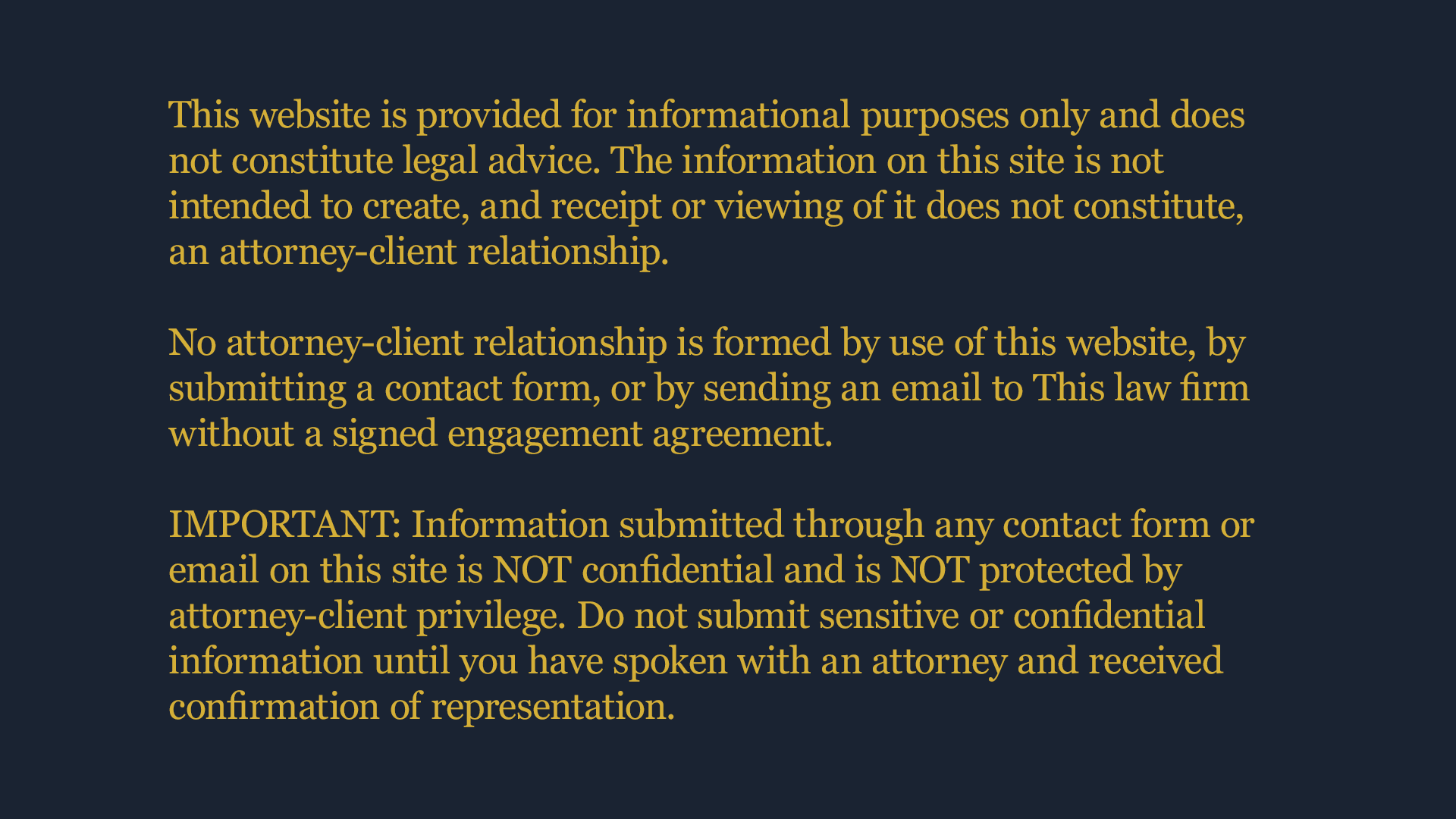
The core disclaimer addresses the things every law firm website needs: a statement that the site is for informational purposes only, a clear disclaimer of attorney-client relationship, a no-legal-advice notice, a jurisdictional limitation, and confidentiality language for contact forms. From there, state-specific additions layer on top, covering advertising labels, past results language, specialization disclaimers, and filing or placement obligations.
Once you have your disclaimer, you have four ways to use it. Copy the plaintext for a privacy policy or terms page. Copy the HTML to paste directly into WordPress (use a Custom HTML block in the block editor, or paste directly in the classic editor's Text tab). Copy the embed snippet to drop a floating disclaimer button anywhere on your site, including your header or footer template. Or download a fully realized disclaimer.html file you can upload directly to your site.
A disclaimer is not a substitute for a review by your state bar's ethics counsel, and rules change. Treat what this generates as a solid, well-researched starting point, not a final legal opinion. If your state has recent advertising rule changes or you handle a particularly regulated practice area like personal injury or criminal defense, it's worth a quick read of your state bar's current advertising guidelines.
Why State Matters More Than You Think
The ABA Model Rules set a baseline, but no two states enforce attorney advertising identically. New York requires the words "Attorney Advertising" on your homepage. Missouri mandates a specific sentence reminding visitors that choosing a lawyer shouldn't be based solely on advertising, with an explicit attribution to the Missouri Supreme Court. Iowa adds a minimum font-size requirement. Arkansas bans client testimonials entirely. Wyoming requires a paragraph-length disclaimer on every advertisement. Nevada publishes sample disclaimer language that the State Bar expects firms to use.
A generic disclaimer pulled from another firm's footer may technically satisfy no state's rules, including your own. The generator below accounts for these differences. Where a state mandates verbatim language, that language is included exactly. Where a state has prohibited terms or unique placement requirements, a note will appear with the output.
Contact Forms and Confidentiality
The most commonly overlooked compliance issue on law firm websites isn't the main disclaimer; it's the contact form. A standard "Contact Us" form with a message field invites prospective clients to share case details. Under ABA Formal Opinion 10-457 and the rules of most states, that triggers duties to prospective clients under Rule 1.18, regardless of what your footer says.
The cleanest solution is a notice directly above the submit button, telling visitors not to submit confidential information and that submitting the form does not create an attorney-client relationship. Several states (Virginia, California, North Carolina, Massachusetts, Washington) have ethics opinions specifically addressing this. California's guidance is the strictest: a generic "no attorney-client relationship" notice is insufficient. You need plain language explicitly stating the information will not be treated as confidential.
If you want a hand customizing your disclaimer, I can help with that. Or making sure your site is set up correctly, the compliance guide is a good next read.
Comments